
Lightning Review 2.5
Supporting reviews in distributed development using Git.
Improving team performance as well with functions automating tasks.
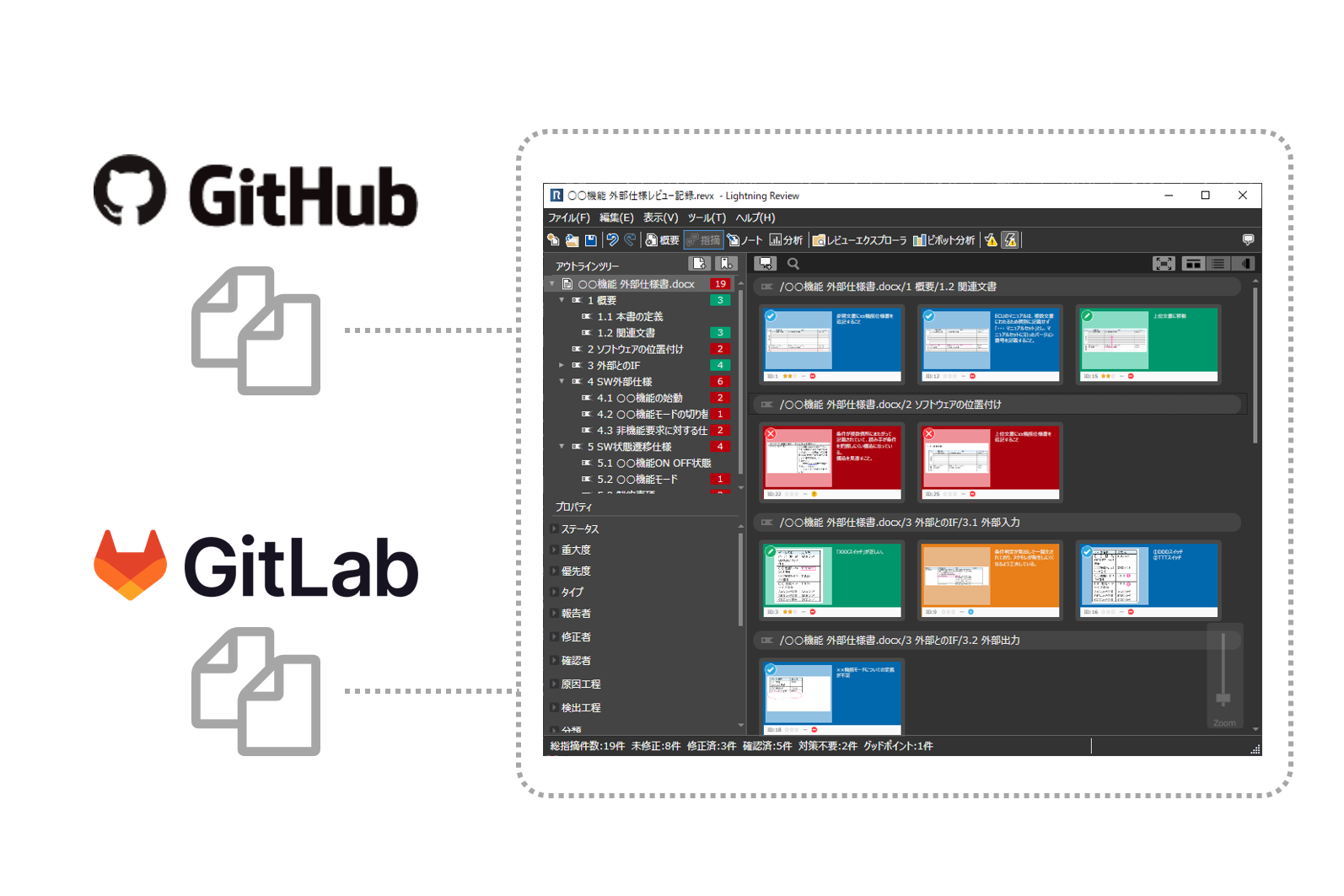
Starting reviews easily for deliverables managed with GitLab
Lightning Review can also review documents and source code managed in GitLab. After registering a repository, it displays the folders, files, and commits in the repository as a list.
Then simply select the file commit you want to review. You can start reviewing immediately.
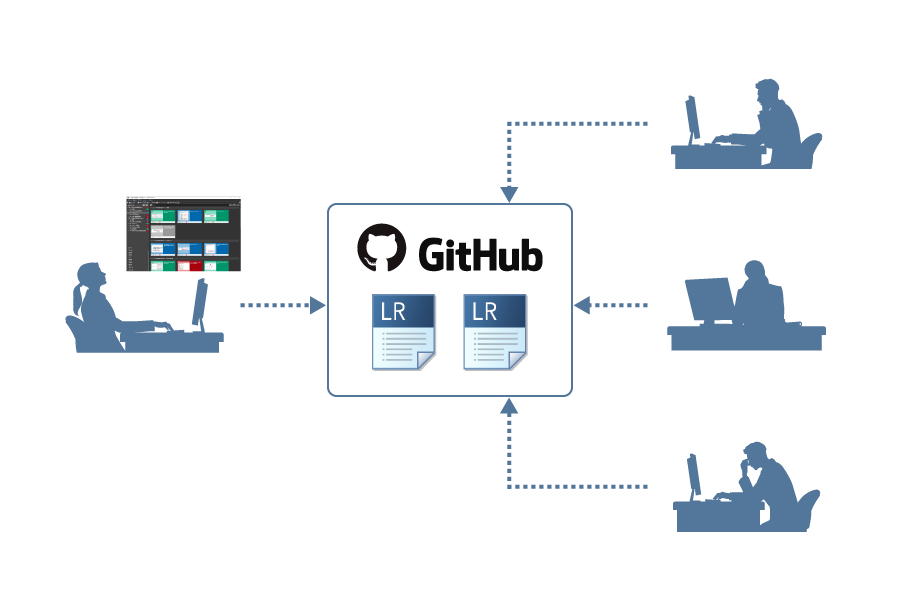
Merging review files and resolving conflicts in Git are supported
Lightning Review provides a dedicated merge tool for distributed development using Git. It automatically merges changes made to review files by multiple users and resolves conflicts when they occur.
This allows you to edit the review file on Git without having to manually resolve the conflict.
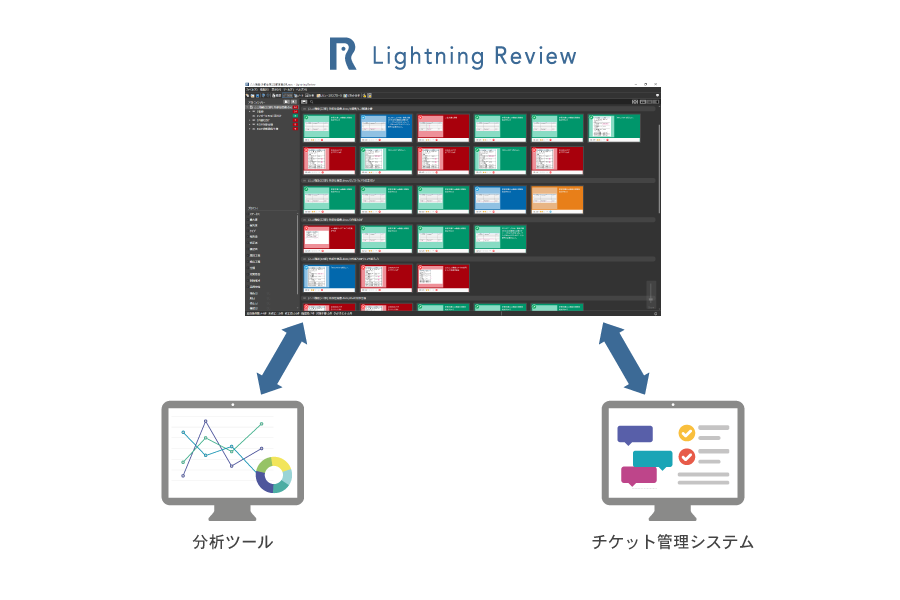
Creating "advanced functions" enables further customization and improvement of efficiency.
In Lightning Review, you can develop "extensions" that allow users to extend functionality on their own.
There are also documentation, tutorials, and video sample code to create extensions, so you can easily start creating extensions.
<Examples of using extended functions>
・The system automatically collects a large amount of indication information, analyzes the quality status, and uses it for quality improvement.
・Automatically register reviews in Redmine as tickets, and visualize the response status of the reviews.
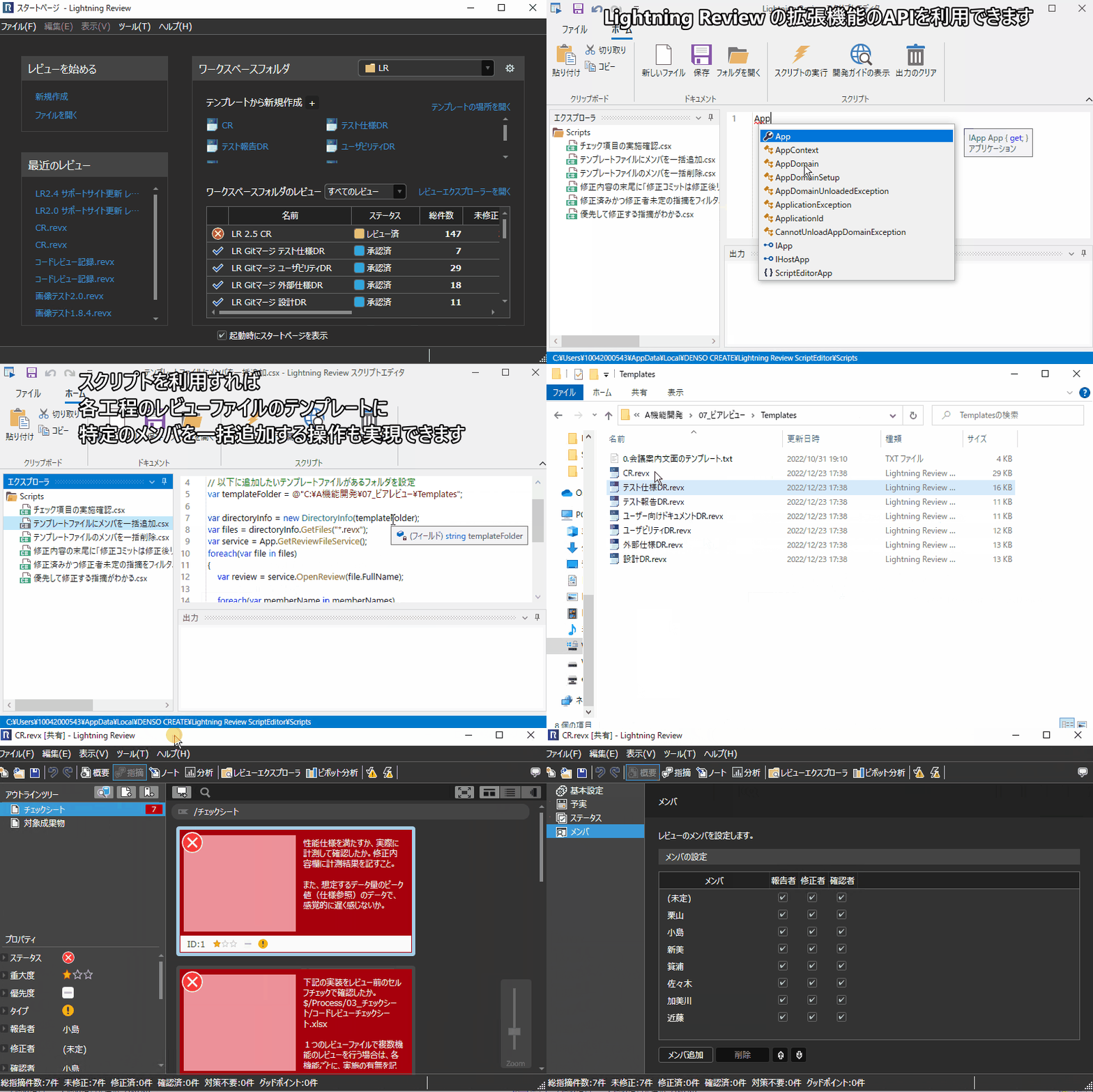
Automating manual tasks with the Script Editor
Tasks that require repeated operations in Lightning Review can be automated. The Script Editor lets users write and run scripts that operate Lightning Review, improving work efficiency.
Scripts can also be shared among team members to improve team efficiency. Code completion in the Script Editor makes scripts easier to write.
more
You can also run the script from the command line.
For example, you can create a script that collects data pointed out by reviews and run it regularly to watch the changes in the number of pointed out by reviews.
more
In addition to the changes above, the time required to open and save review files was reduced to less than half, and Lightning Review startup speed improved by approximately 30%. These and other major non-functional improvements were also made.