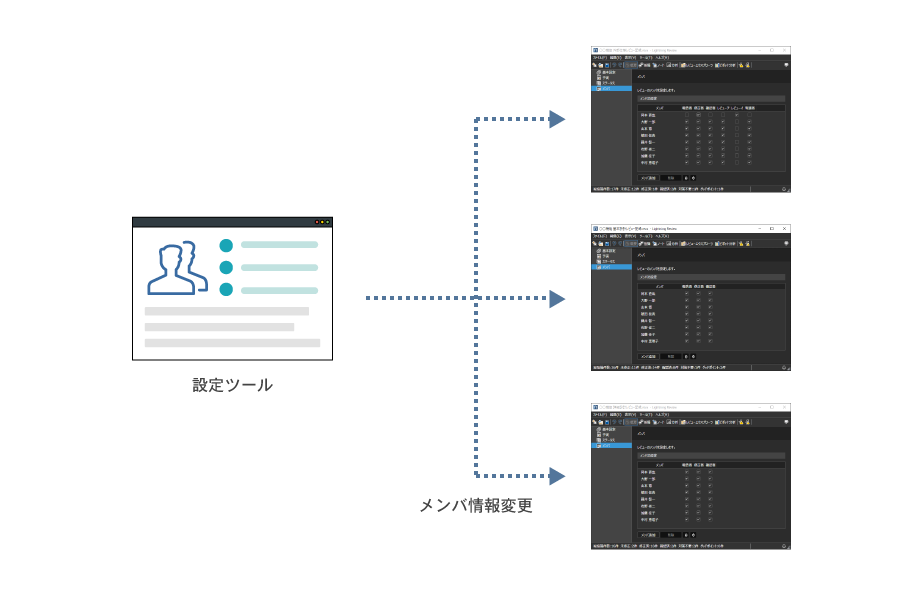
Enabling cooperation between systems and automation of works
Lightning Review has published APIs.
You can operate review files with using APIs to realize the following operations:
"Customizing Lightning Review to make reviews more efficient"
"Automating existing manual tasks easily"
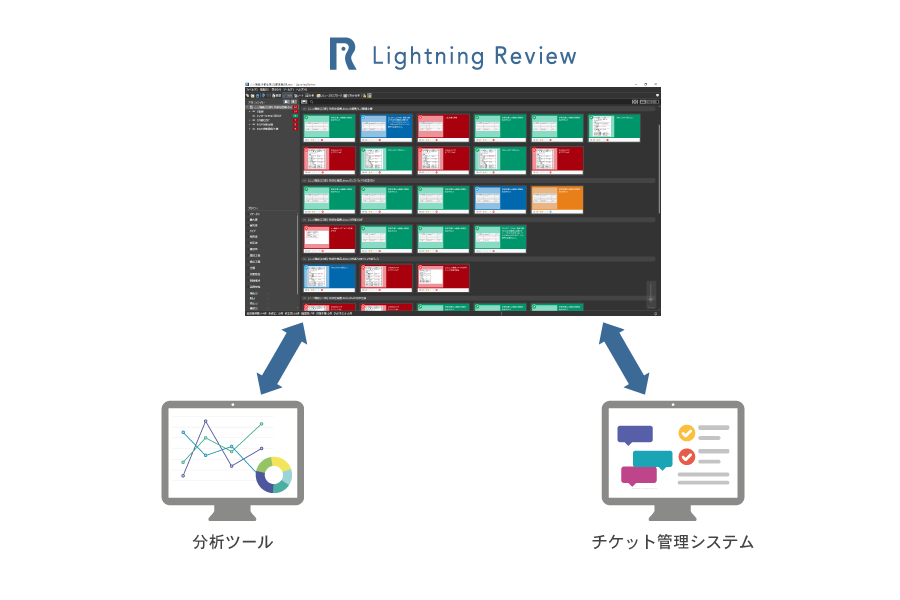
Creating "advanced functions" enables further customization and improvement of efficiency.
In Lightning Review, you can develop "extensions" that allow users to extend functionality on their own.
There are also documentation, tutorials, and video sample code to create extensions, so you can easily start creating extensions.
<Examples of using extended functions>
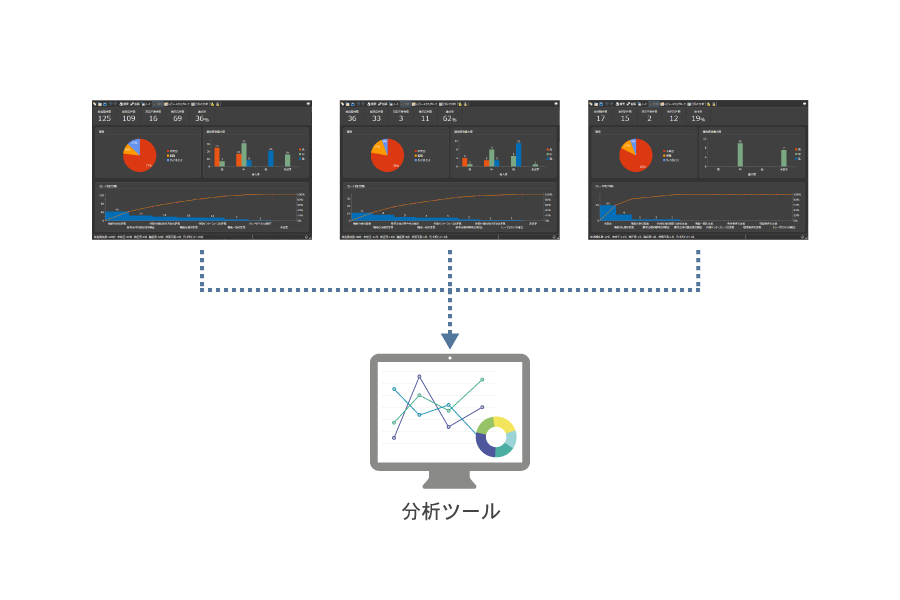
・The system automatically collects a large amount of indication information, analyzes the quality status, and uses it for quality improvement.
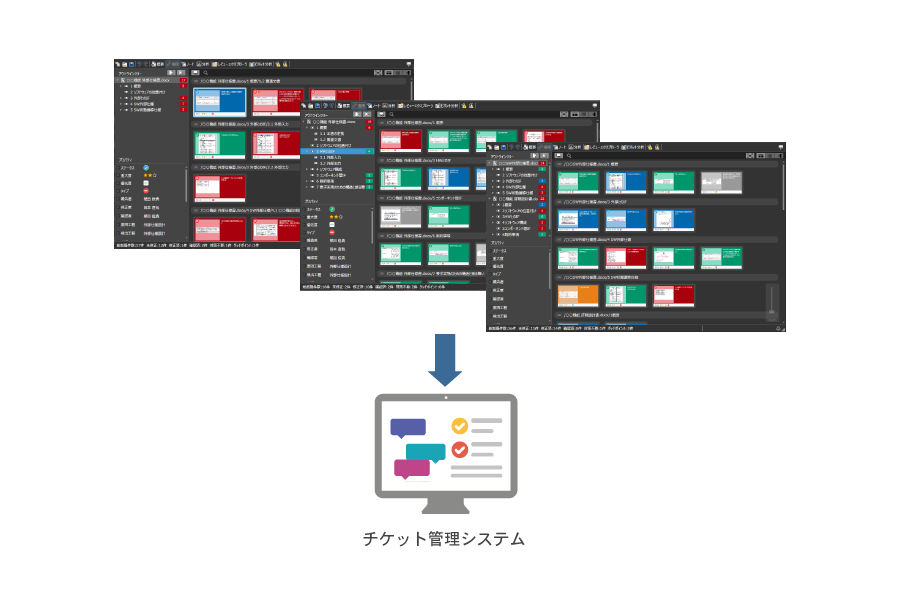
・Automatically register reviews in Redmine as tickets, and visualize the response status of the reviews.
-
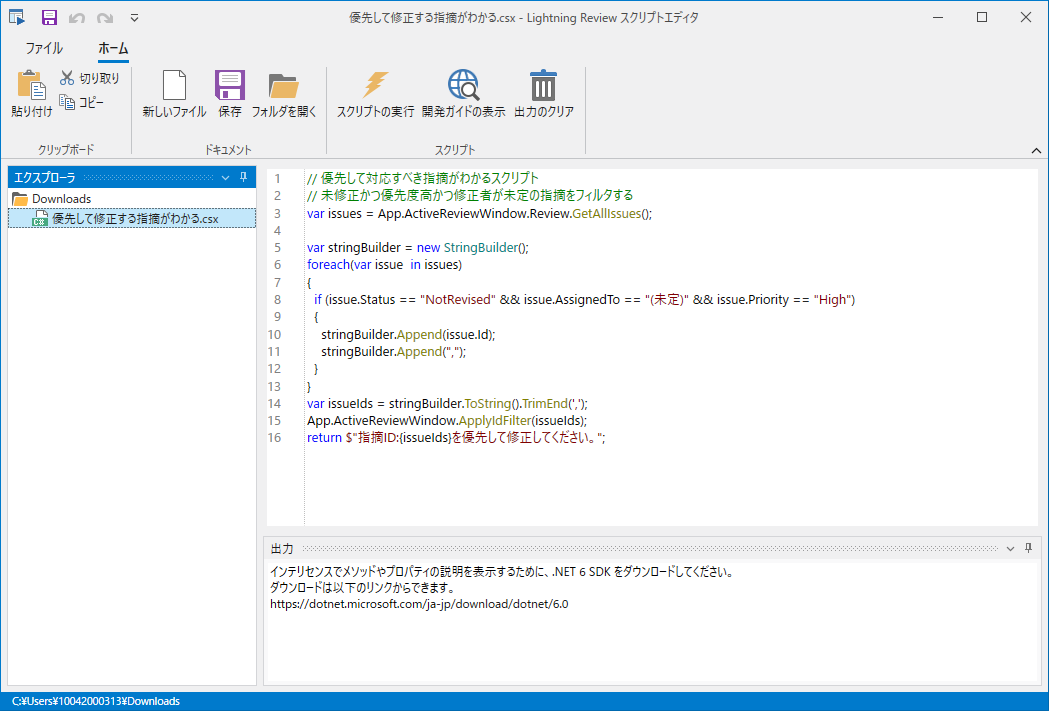
Automating manual tasks with the Script Editor
Tasks that require repeated operations in Lightning Review can be automated. The Script Editor lets users write and run scripts that operate Lightning Review, improving work efficiency.
Scripts can also be shared among team members to improve team efficiency. Code completion in the Script Editor makes scripts easier to write.
more
You can also run the script from the command line.
For example, you can create a script that collects data pointed out by reviews and run it regularly to watch the changes in the number of pointed out by reviews.
sample